Pause with intention
When Ekagra asks why, two out of three answer instead of skipping.
Instagram Reels YouTube Shorts Facebook Reels
Counts every Reel and Short. Pauses the loop, calmly. Shows where your attention goes. On-device, free.
Real usage · Last two months
When Ekagra asks why, two out of three answer instead of skipping.
Nearly half of all users flip on a Reels or Shorts block.
Reach their first “so that's where my time goes” moment within days.
Anonymous, aggregated feature counts from Ekagra users · May–July 2026 · No personal data, ever.
Ekagra makes the loop visible, then gives you a calm way out.
Blocking is already at work
Every Reel, Short and FB Reel — counted automatically.
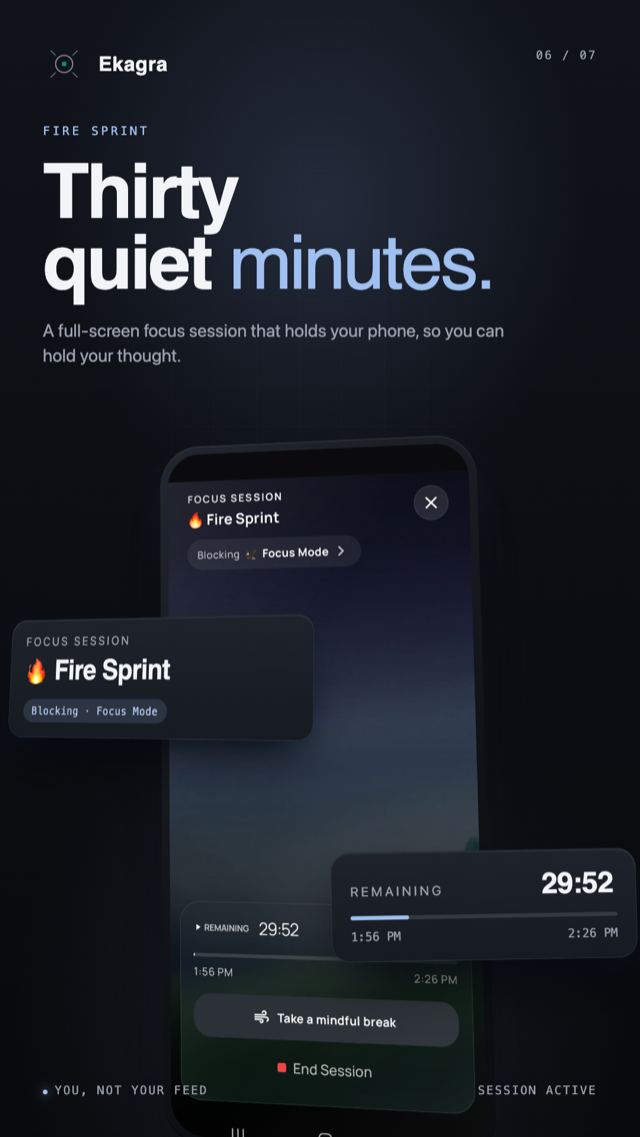
A calm full-screen pause when you reach for the feed.
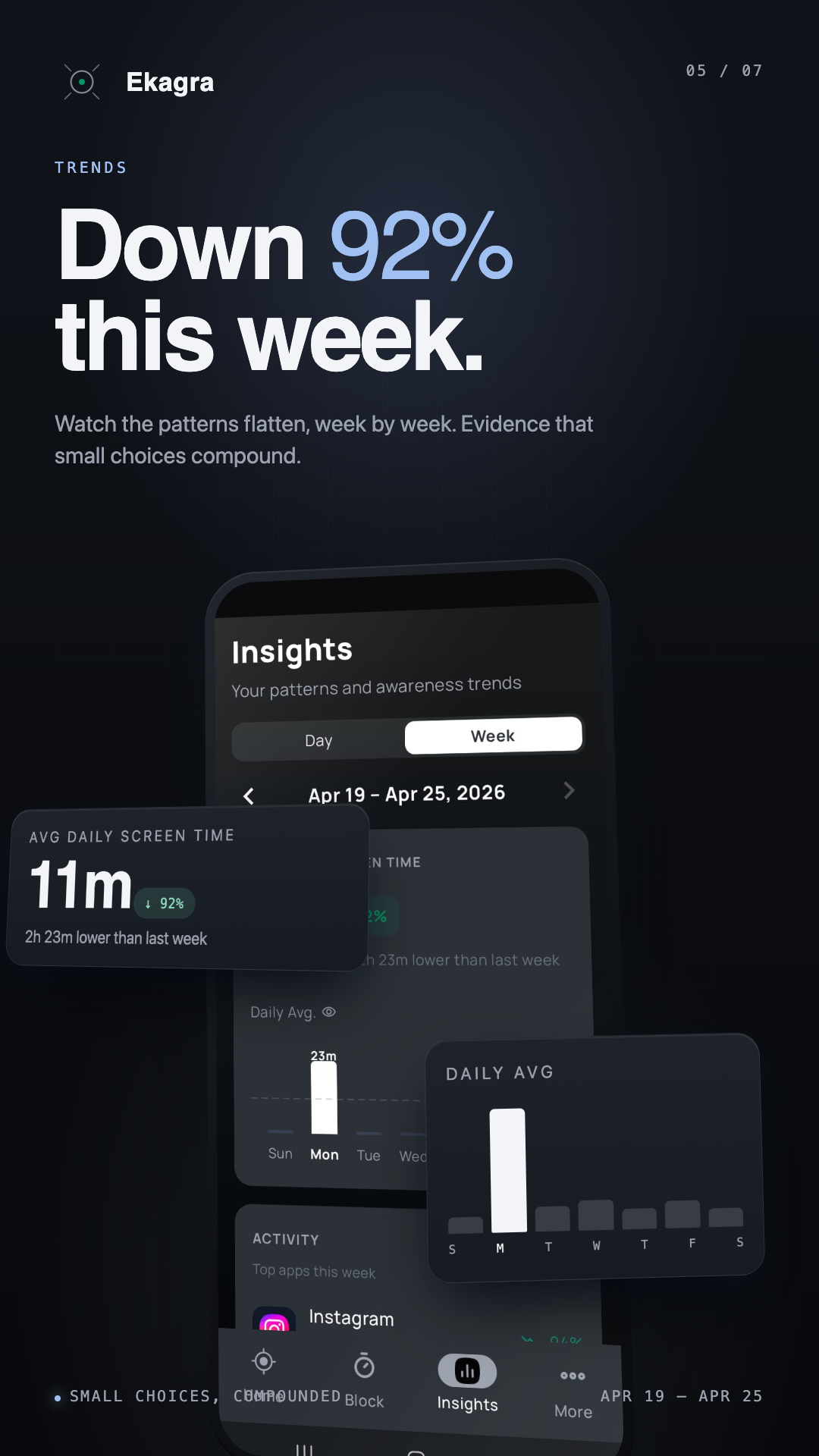
Watch your screen time bend downward.
Awareness comes first
Every hour mapped — screen time, Reels, unlocks. No judgment, just a mirror.
Dark, minimal, and built to fade into the background until you need it.
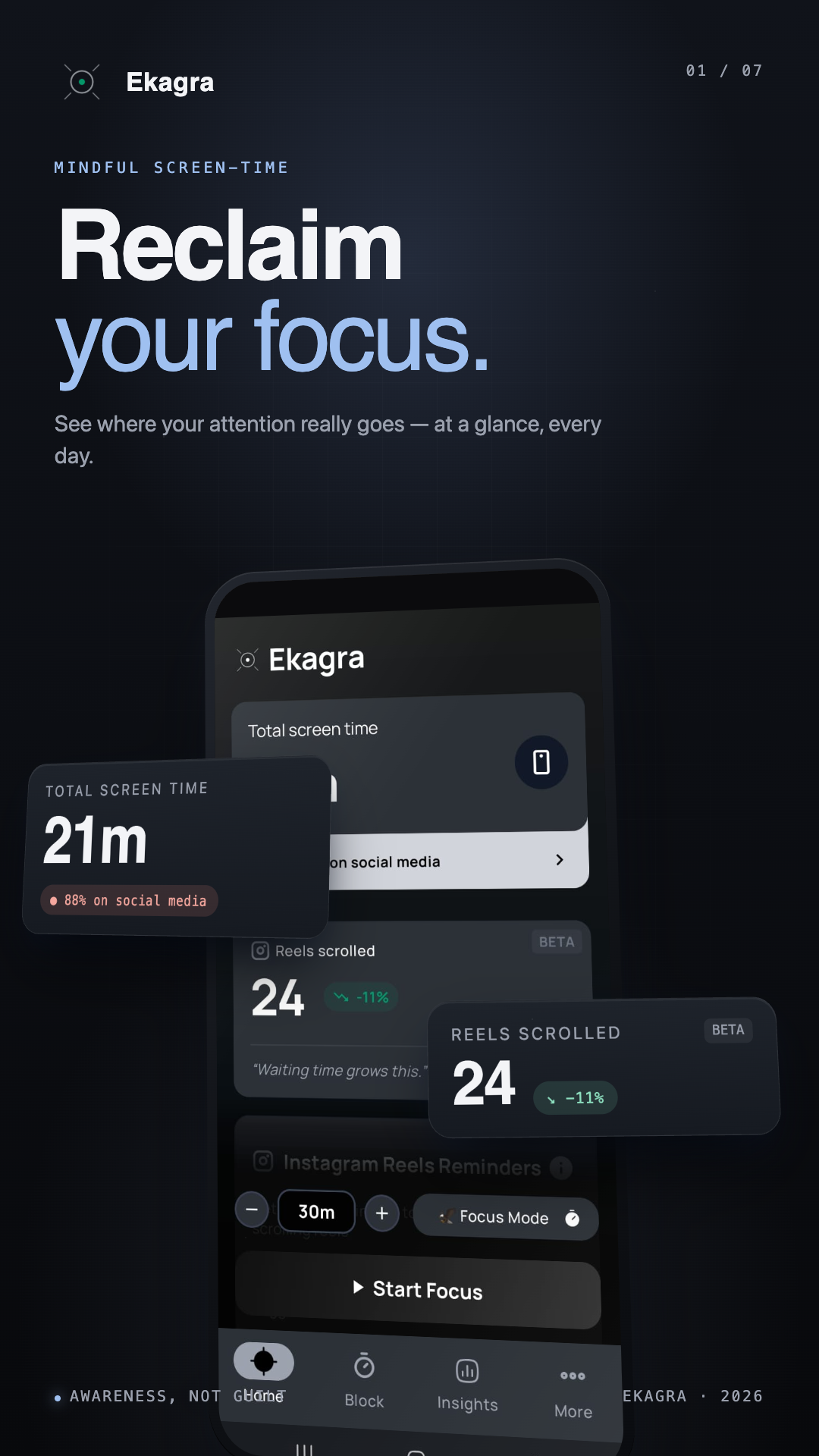
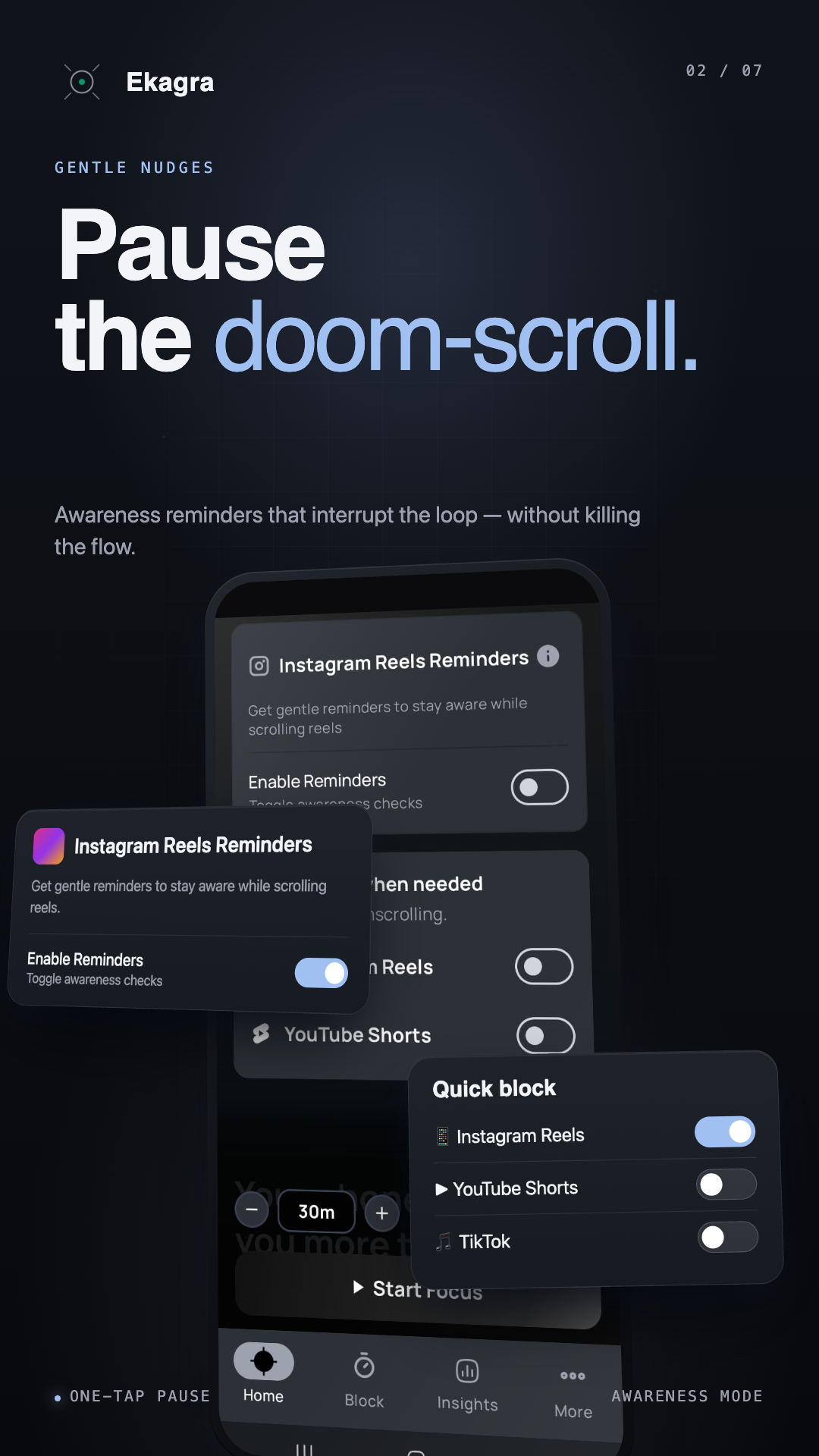
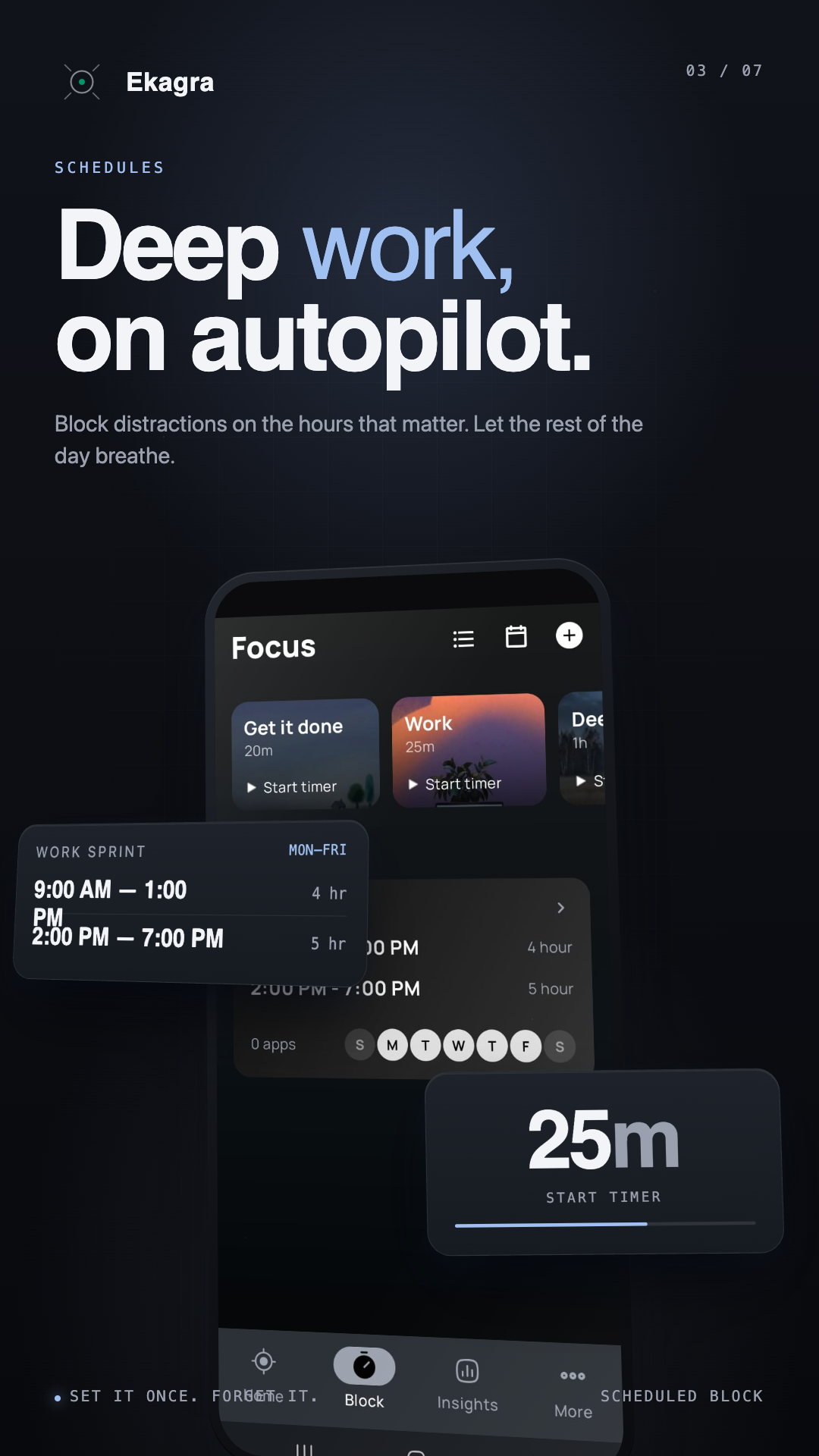
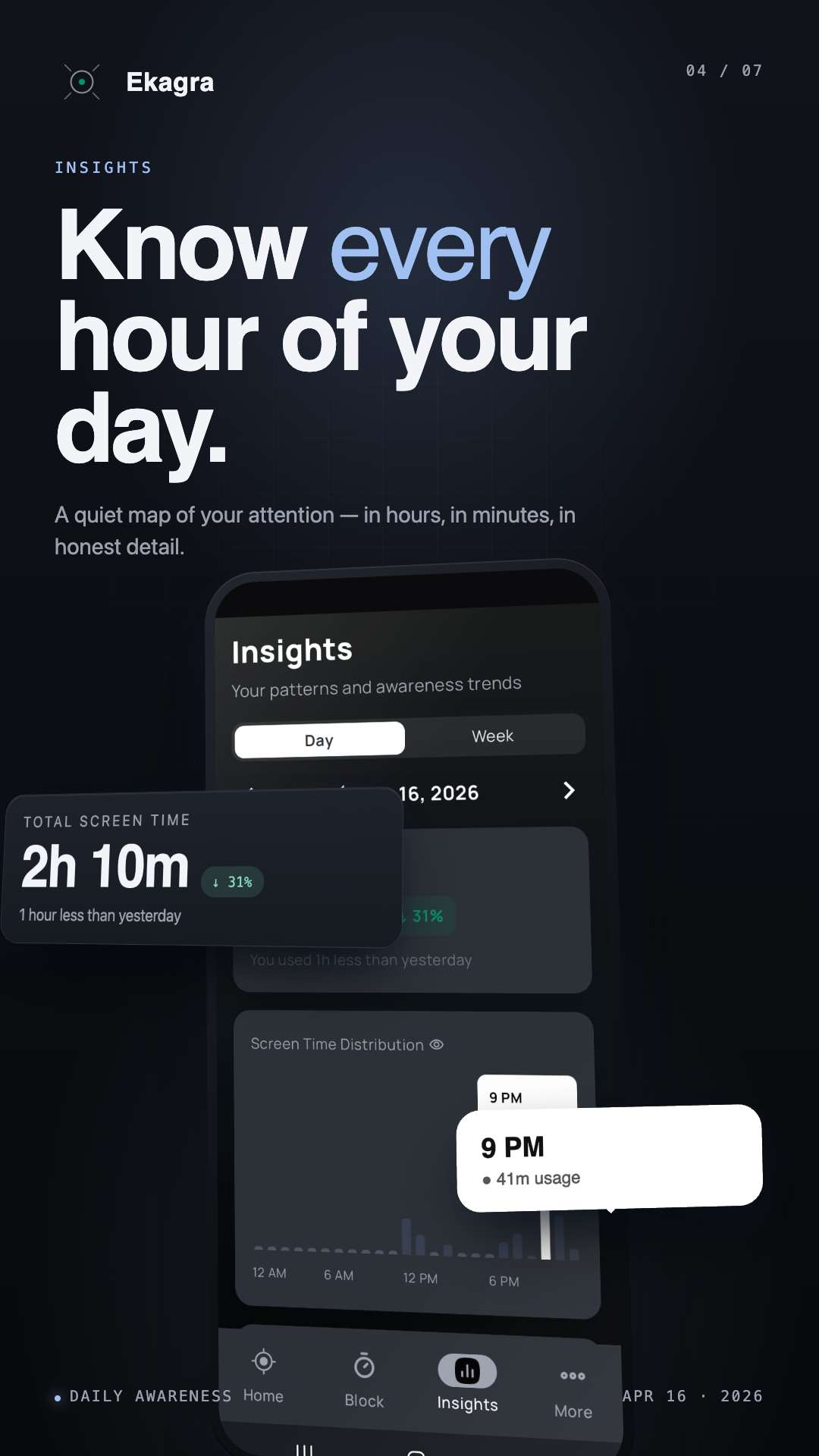
⭐ 4.7 average · early reviews from real users
“Finally an app that doesn't just guilt-trip me. The pause screen actually makes me stop and think before I open Reels.”
“The Reels counter alone changed my behaviour. Seeing the number every day made me realize how much time was disappearing.”
“Lightweight, no ads, no subscription. Does the one job I needed an app for and gets out of the way.”
Now on desktop
The same calm focus you get on Android — now when you open YouTube or Instagram on your laptop. A gentle pause, not a hard wall.
Free · also works on Edge, Brave & Opera
Ekagra detects when you open the Reels or Shorts feed inside the host app and shows a calm full-screen overlay asking you to pause and choose intentionally. The rest of Instagram, YouTube and Facebook keep working normally — you only lose the infinite-scroll feed.
No. Ekagra only counts the Reels and Shorts you scroll after installing the app and granting the required permissions. Android does not give third-party apps access to historical usage data from before that point, so your Reels count starts from day one of using Ekagra. The first few days may feel high — treat that as your baseline, not a verdict.
Your personal data stays on your device. Ekagra never uploads your screen contents, the apps you use, or anything that identifies you — and never sells data. The app sends only anonymous, aggregated feature counts (for example, “a focus session was started”) so we can see which features actually help people. Those anonymous counts are the same numbers behind the impact stats on this page.
Ekagra is free to download and use. There is no subscription paywall on the core blocking, screen-time, or focus features. If a future Pro tier is ever added, it will be optional — the focus features that exist today will remain free.
On Android, Accessibility is the only API that lets a third-party app reliably detect when another app is in the foreground — which is what powers blocking and Reels/Shorts detection. Ekagra uses it strictly for that. It does not read screen contents, capture keystrokes, or send anything off-device. It is the same permission every reputable Android focus and digital-wellbeing app uses for the same reason.
Yes. Blocking, screen-time tracking, focus sessions, and insights all work fully offline. There is no account, no login, no cloud sync.
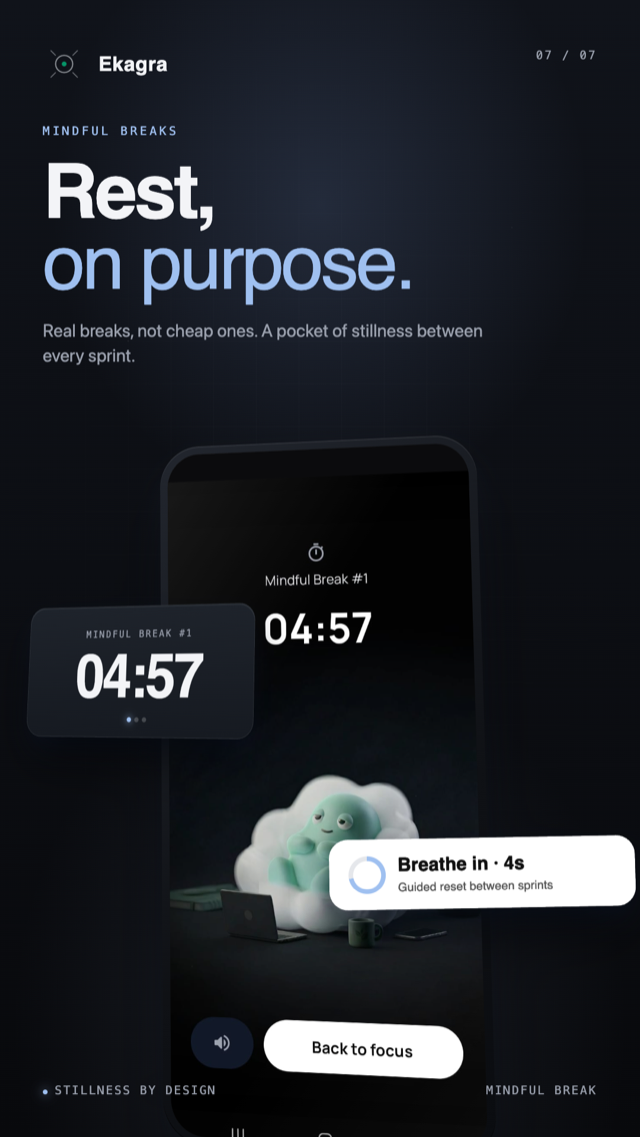
Most screen-time apps either just show you stats or block apps cold. Ekagra is awareness-first. You start by seeing what's really happening — Reels scrolled, hours spent, peak hours, unlock counts. Awareness comes first; focus follows. The name एकाग्र means single-pointed focus, and the belief is simple: real focus only grows once you can clearly see where your attention is going. Blocks and mindful breaks build on that foundation — added only when you choose.
Not yet. iOS does not allow third-party apps to detect or block other apps in the same way Android does, so a like-for-like port is not possible. An iOS version is being explored but is not on the near-term roadmap.
Step 1: Download Ekagra from Google Play.
Step 2: Open the app and grant Accessibility permission when prompted.
Step 3: Go to Settings and enable the toggle for "Block Instagram Reels".
That's it! The next time you open Instagram and tap on Reels, a calm full-screen reminder will appear asking you to pause and choose intentionally. The rest of Instagram works normally.
Ekagra is the best Instagram Reel blocker for Android. It blocks Instagram Reels, YouTube Shorts and Facebook Reels with a calm, non-judgmental full-screen reminder — not a harsh wall. Plus, it shows you exactly where your attention goes with detailed screen-time insights, all processed on your device. It's privacy-first, free, has no subscription, and is rated 4.7 stars on Google Play.
The first step is awareness — seeing exactly how much time you spend scrolling and which apps are stealing your attention. Ekagra shows you this with detailed screen-time breakdowns. The second step is to block the addictive feeds (Reels and Shorts) with a calm full-screen pause reminder. The third step is to run scheduled focus sessions when you need deep work. Together, these three steps help you stop the doom-scroll cycle and reclaim your attention.
Ekagra is an app designed specifically to help you stop doomscrolling. Unlike harsh blockers, it uses a calm reminder approach — when you reach for Reels or Shorts, a full-screen overlay appears asking you to pause and choose intentionally. It also tracks your screen time so you can see the actual impact of your scrolling habit. The combination of awareness, gentle blocks, and mindful breaks makes it one of the most effective apps to stop doomscrolling on Android.
Bhagavad Gita · 6.12
तत्रैकाग्रं मनः कृत्वा यतचित्तेन्द्रियक्रियः।
उपविश्यासने युञ्ज्याद्योगमात्मविशुद्धये॥
tatra ekāgraṁ manaḥ kṛtvā yata-cittendriya-kriyaḥ
upaviśyāsane yuñjyād yogam ātma-viśuddhaye
“Seated there, with the mind made one-pointed and the activity of the senses restrained, one should practice yoga for the purification of the self.”
Made by small team
Ekagra is built by a small team of developers who got tired of their own scroll habits. No VCs, no data harvesting. Named after the Sanskrit word एकाग्र — single-pointed focus — because the app is an attempt to give people back their attention. If it helps you, that's the whole point.